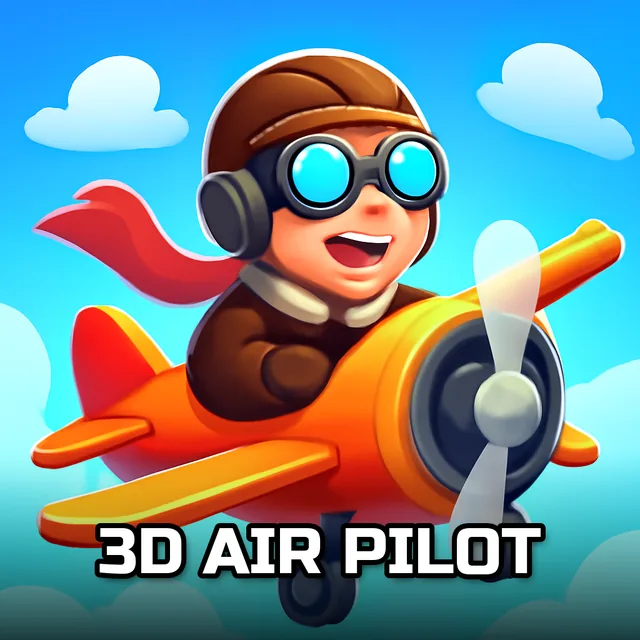
3D Air Pilot
Instructions:
Mouse or Arrows turn 1 2 3 tricks A D rudderDescription
3D Air Pilot Competitive-Style Breakdown
Pro-Level Advice
Flying through rings sounds simple until level six or seven, when the gaps get tighter and the game stops holding your hand. The trick isn't muscling the stick around, it's reading the ring ahead before you're even through the one in front of it. Overcorrect on a turn and you'll clip the edge, lose speed, and watch your line fall apart for the next three markers. Better pilots ease into banks early, letting the plane drift into position rather than snapping toward it at the last second. Tricks are where the real score bump happens, so once you've unlocked a plane that handles well, spend a few practice runs just spinning and flipping in open air before you try stacking tricks mid-course. Timing a flip so you land it right before threading a ring is way more satisfying than it sounds, and honestly it's the whole reason to keep replaying earlier levels once you've got better aircraft.
Controller & Keyboard Guide
Steering runs on either the mouse or the arrow keys, whichever your hand prefers, and both feel responsive enough that switching mid-session won't throw you off. Numbers 1, 2, and 3 trigger the trick set, so keep your fingers resting near them rather than reaching over each time a good stretch of open sky shows up. The A and D keys handle rudder control, which matters more than it looks like on paper, since fine yaw adjustments are often what saves you from clipping a ring's edge on a tight approach. It's a light control scheme overall, nothing overloaded, which suits the arcade-simulation feel the game is going for.
Difficulty climbs at a steady, fair pace across the twenty levels. Early stages are basically tutorials in disguise, easy enough to coast through while you get a feel for the drift, but the later ones demand actual precision and quick trick timing. Nothing feels unfair, just progressively less forgiving.