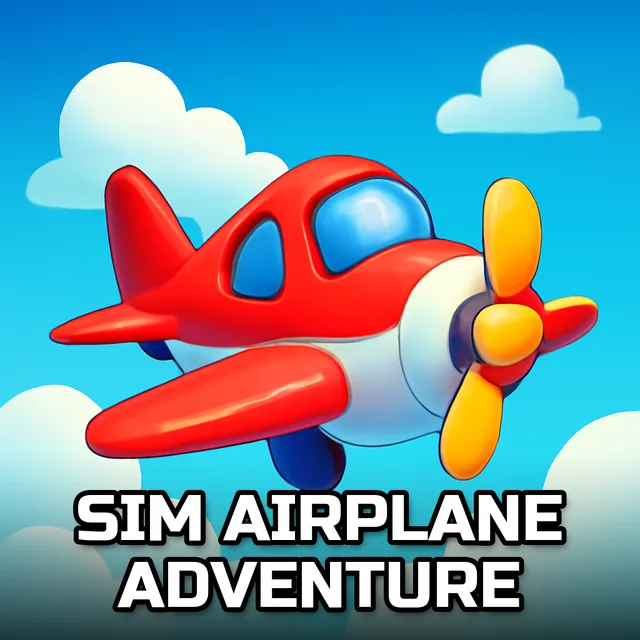
Sim Airplane Adventure
Instructions:
W Arrow Up rarr Move Front S Arrow Down rarr Move Back A Arrow Left rarr Move Left D Arrow Right rarr Move Right - To click any button use mouseDescription
Sim Airplane Adventure Casual Fun Guide
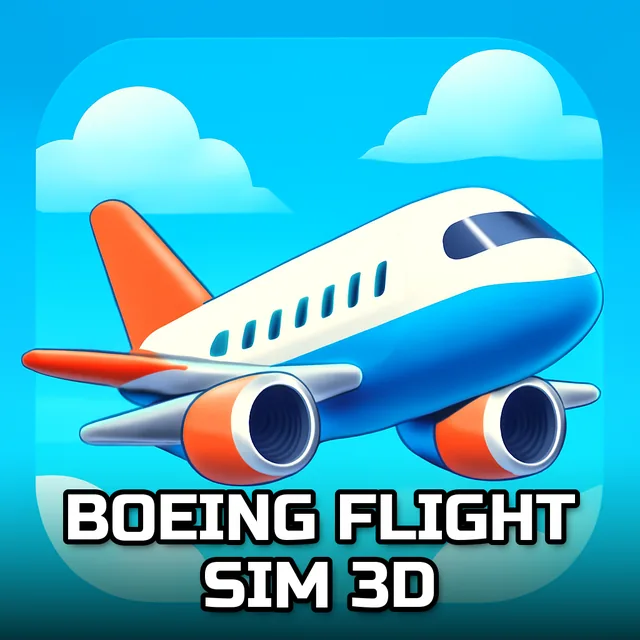
Some days you just want to sit back, grab the yoke of a big commercial jet, and not worry about missiles or timers chasing you. That's the whole vibe here. You pick a runway, throttle up, and try to get your plane into the air without clipping a wing on the terminal. Nothing about it feels stressful, honestly, it's more like the flying equivalent of a lazy Sunday drive, except you're a few thousand feet up and the view keeps changing.
Standout Features
- Take-off and landing loops built around real airports, so every run has a clear start and a clear finish line.
- Controls stay simple enough for a first-timer to pick up in under a minute, no manual required.
- Cloud layers and open sky give the whole thing a surprisingly calm, almost meditative pace.
- Aircraft handling leans toward the forgiving side, so bumpy landings won't end your run instantly.
- Single-player structure means you're never rushed by anyone else's clock.
- Helicopter and airplane variety keeps the missions from feeling like the same flight on repeat.
Controller & Keyboard Guide
- W or the Up Arrow pitches your aircraft forward, easing the nose down or building speed on approach.
- S or the Down Arrow pulls back, lifting the nose for climb-outs and gentler descents.
- A or the Left Arrow banks you left, handy for lining up with a runway that's not dead ahead.
- D or the Right Arrow banks right, and pairing it with small throttle taps makes turns feel less twitchy.
- Mouse clicks handle every on-screen button, from menus to in-cockpit toggles, so you're never fumbling for a hotkey.