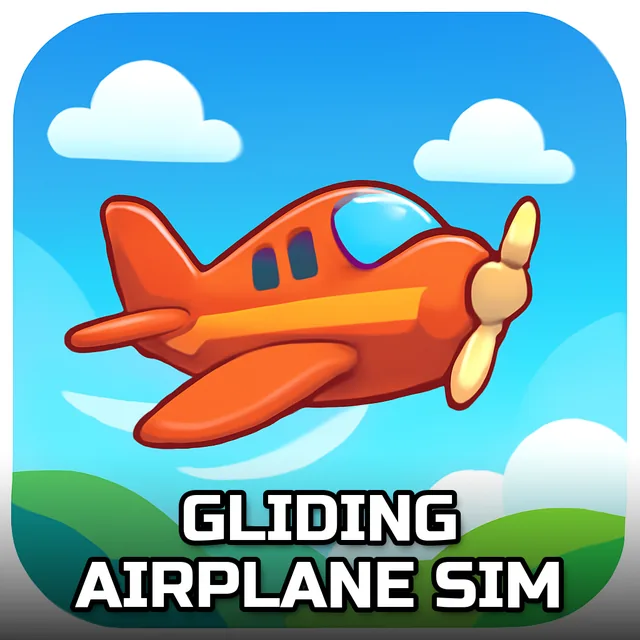
Gliding Airplane Sim
Instructions:
Use Mouse and Arrows key to flyDescription
Gliding Airplane Sim Advanced Gameplay Tactics
Score-Boosting Tactics
- Line up with the runway well before takeoff — a crooked approach at the start throws off your whole route to the first waypoint.
- Watch your altitude between checkpoints. Climbing too fast burns time you'll want later, but staying too low near hills is just asking for trouble.
- Treat each waypoint like a mini-landing. Slow your bank angle as you approach so you don't overshoot and have to loop back around, wasting precious seconds off the clock.
- Keep an eye on the timer instead of just the horizon. It's easy to get lazy cruising in a straight line when really you should be nudging toward the next marker.
- Bring your speed down early on final approach. Commercial jets don't stop on a dime, and a hot landing usually ends in a bounce or worse.
Key Combinations
- Mouse movement — pitch and roll the aircraft, this is your primary steering input for smooth turns.
- Arrow Up / Down — adjust pitch manually, useful for fine-tuning climbs and descents near waypoints.
- Arrow Left / Right — bank the plane left or right when you need sharper directional control than the mouse alone gives you.
- Combine mouse and arrows together — small corrections work better than yanking the controls, especially when you're lined up on the runway.
The whole point here is simple on paper: get your commercial jet from the sky into a proper landing, hitting every waypoint along the way before the clock runs out. But anyone who's flown a few rounds knows it's not quite that easy — the plane doesn't want to snap onto a heading, it drifts, and you're constantly correcting rather than commanding. That's honestly what makes it worth sticking with. Nail a clean run through every waypoint and touch down smooth on the strip, and there's a real sense that you earned those pilot stripes instead of just clicking through a checklist. Miss one waypoint or come in too fast, though, and you'll feel that too.