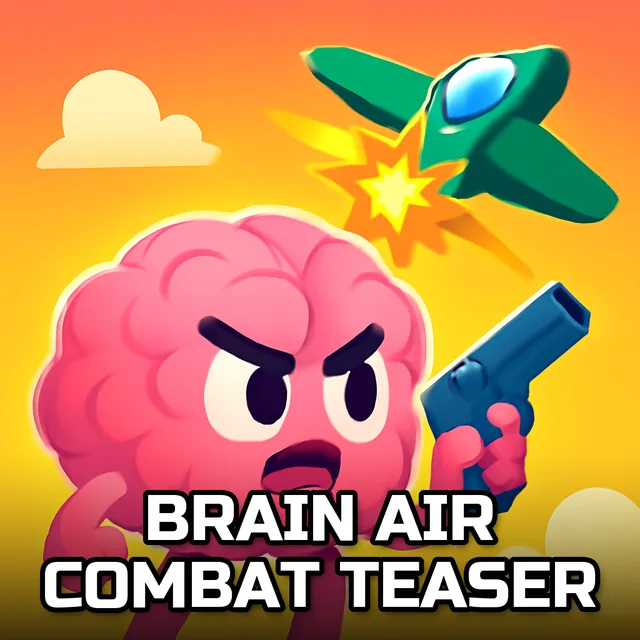
Brain Air Combat Teaser
Instructions:
Use mouse to play this html5 puzzle gamesDescription
Brain Air Combat Teaser Player Reviews and Tips
Score-Boosting Tactics
- Start with the border pieces first, that flat edge is your best friend when jets and clouds start blurring together into one confusing mess.
- Group pieces by color before you even think about shapes, since a lot of these air combat shots share the same sky-blue backdrop.
- Drop down to the 16-piece mode if a picture has a busy explosion or smoke trail, it's way easier to read the image at a lower piece count.
- Zoom into the corners of the preview thumbnail mentally before you start snapping pieces in, it saves a ton of backtracking later.
- Take a short break between the 64 and 100 piece versions of the same image, your eyes genuinely get tired staring at near-identical jet fuselage fragments.
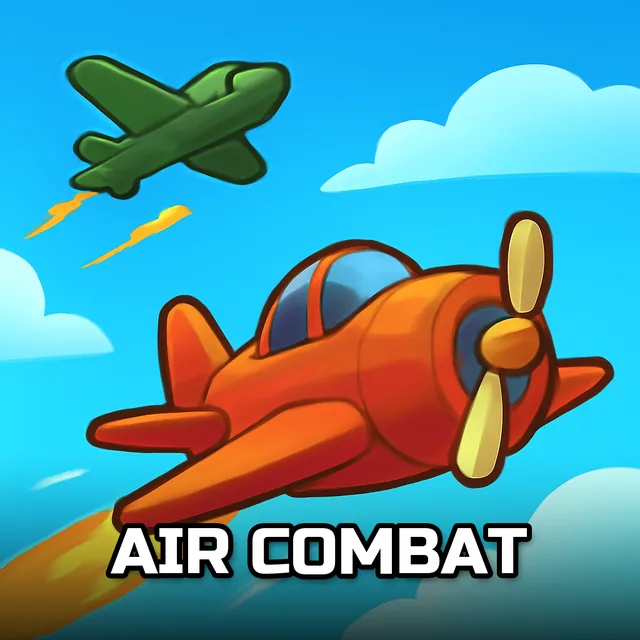
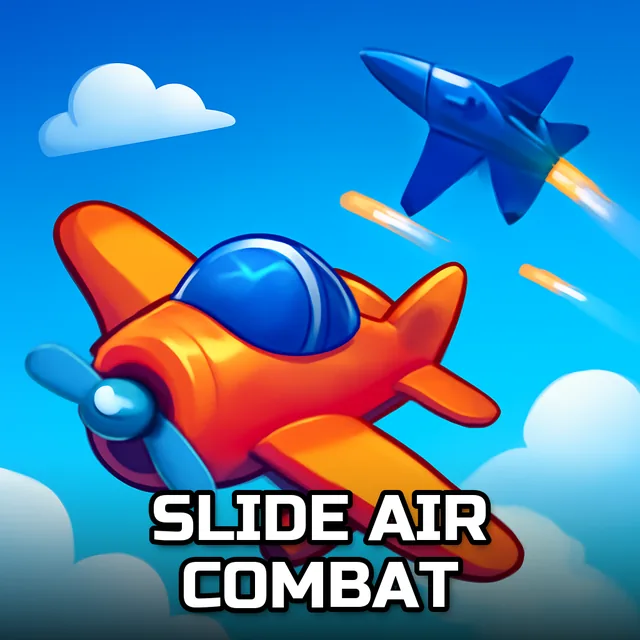
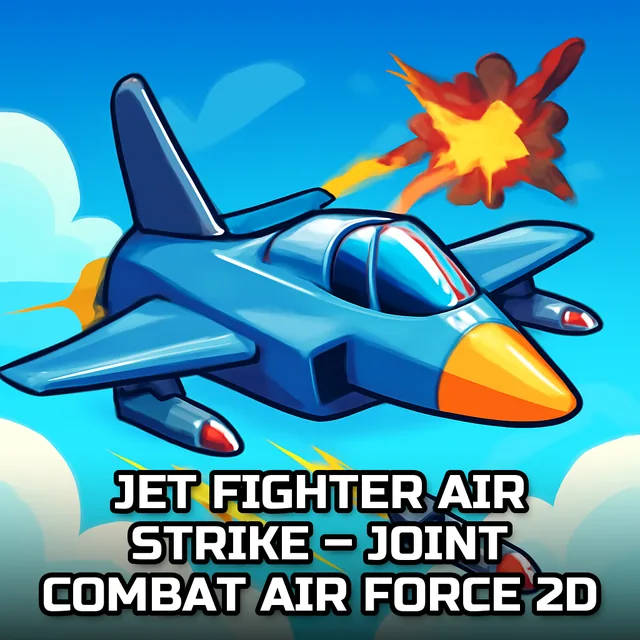
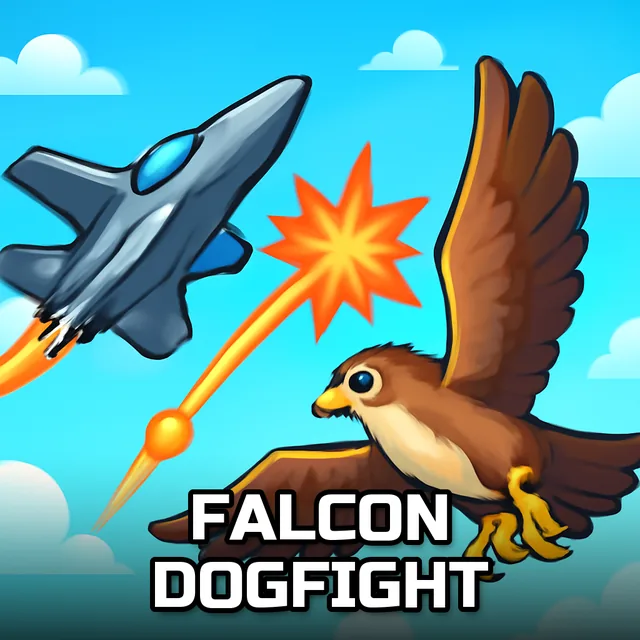
There isn't a story here, no pilot to root for, no mission briefing before you start clicking pieces around. What you get instead is six air combat scenes, each one breakable into four difficulty tiers, so a total beginner and someone who's done a thousand jigsaws can both find their level. The 16-piece boards go fast and work fine as a warm-up, but the 100-piece versions genuinely slow you down, especially when two jets overlap against a hazy horizon and every piece looks like every other piece for a solid minute. It's not punishing, just quietly demanding in the way a good puzzle should be.
Highlights
- Six distinct air combat images means you're not solving the same picture over and over with a different border color.
- Four piece-count options per image let you scale the challenge up or down depending on how much patience you've got that day.
- Runs right in the browser through HTML5, no downloads, no installs, just click and go.
- Mouse-only controls keep things simple, drag a piece, drop it, done.
- Works fine on mobile too, so a quick puzzle session during a commute isn't out of the question.